Answering Service for IT Companies and MSPs
Your techs are heads-down on tickets and the phone keeps ringing. Here's what an answering service for an IT company should do, what it must never do, and how to pick one.

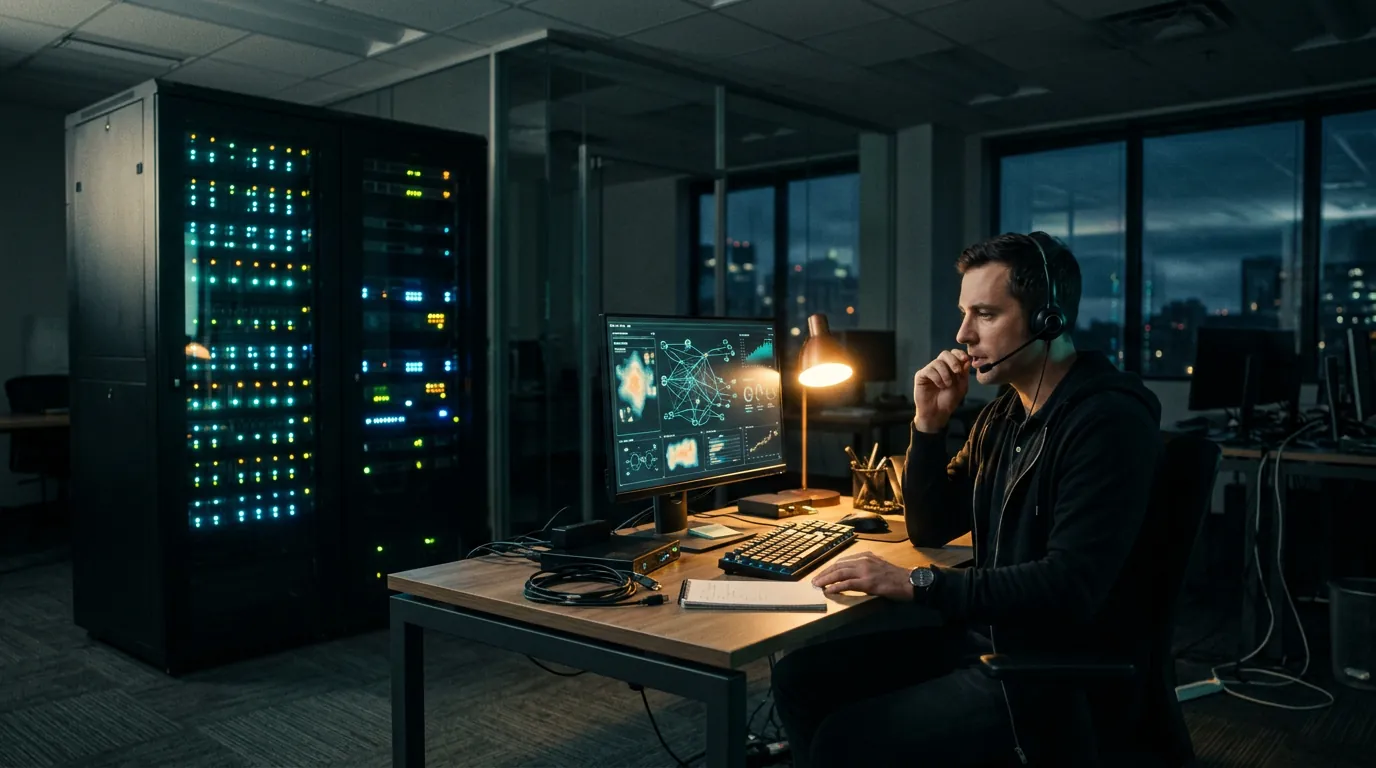
An answering service for an IT company picks up the calls your techs can't: the client whose server just went down at 9 PM, the prospect shopping for a new MSP, the vendor, the billing question. A good one sorts real incidents from routine requests, gets the right details, and alerts your on-call person fast. It should also never become the easiest way for an attacker to talk their way into a client's network.
This guide covers the calls IT shops actually get, a triage table you can hand to any service, the security rules that matter more in IT than in any other trade, and what to look for when you compare options.
Why IT companies miss calls that matter
IT work is interrupt-driven, and the phone is the worst interruption of all.
- Your best people are your phone answerers. In a 5- to 20-person MSP, the person who picks up is often the same engineer in the middle of a migration. Every call breaks their focus, and a call that rings out can be a client with a real outage.
- Clients expect coverage outside business hours. The Bureau of Labor Statistics notes that because computer support services may need to be available 24 hours a day, some specialists work nights or weekends. Your clients' businesses don't stop at 5 PM, and neither do their problems.
- Downtime is expensive for your clients. ITIC's 2024 Hourly Cost of Downtime survey says small businesses may not hit enterprise-level losses, but that hourly downtime costs of $25,000, $50,000 or $75,000 may be serious enough to put an SMB out of business. When a client calls about an outage, they're measuring how long it takes you to respond.
- New clients are hard to win. In Kaseya's 2025 Global MSP Benchmark findings, one in three providers say acquiring new customers is their biggest challenge. A prospect who calls and reaches voicemail is a lead you paid to generate and then let walk.
Hiring a full-time dispatcher fixes this, but it's a big step for a small shop. BLS lists the median pay for computer support specialists at $62,890 per year, and a non-technical receptionist still can't cover nights and weekends alone.
The calls an IT company or MSP actually gets
Not every call needs an engineer. Most shops see a mix like this:
| Call type | Who's calling | What it needs |
|---|---|---|
| Outage or "nothing works" | Existing client | Fast triage and an urgent alert to on-call |
| Security scare (ransomware note, suspicious login, clicked a bad link) | Existing client | Urgent alert, plus "disconnect from the network" guidance you approve |
| Routine support (printer, new user, password help) | Existing client | Point to your ticket portal or capture details for the queue |
| New-client inquiry | Prospect | Structured intake and a callback request |
| Project or quote request | Prospect or client | Details and a meeting request |
| Billing, contracts, renewals | Client | Message for the office manager |
| Vendors, carriers, sales pitches | Others | Message, low priority |
The two rows that make or lose money are the first two (client retention) and the fourth (growth). Design your call handling around those.
After-hours triage: a table you can use
Whoever answers your phone, a person or an AI, needs written rules. Adapt this to your service agreements and on-call setup.
| If the caller says... | Priority | What the answering service should do |
|---|---|---|
| "Ransomware," "our files are encrypted," "someone is in our system," a ransom note on screen | Security emergency | Read your approved instruction (for example, "unplug the affected computer from the network, don't turn it off"), take name, company and callback number, flag as urgent |
| Whole office down: no internet, email, server or line-of-business app for multiple users | Urgent | Capture company, site, what's down, how many people affected, callback number; flag as urgent |
| One user can't work (laptop dead, locked out) during off-hours | Next business morning, unless the client's plan says otherwise | Capture details; tell the caller when to expect contact |
| Password reset, MFA reset, "add me as an admin" | Never handled on the call | Take a message only. Do not change anything or promise a reset. Your team verifies identity on callback |
| New-client inquiry | High value, not urgent | Run your intake questions (below) and capture a callback time |
| Billing, vendor, sales | Routine | Message for the next business day |
Set the urgent rules by client tier if your contracts differ. A client paying for 24/7 support and a break-fix client with business-hours coverage shouldn't get the same response at 2 AM.
The security rule that matters most
This is where IT is different from plumbing or HVAC. Your phone line is an attack surface.
CISA's advisory on the Scattered Spider group describes attackers who posed as company IT and/or helpdesk staff using phone calls or SMS messages to obtain credentials, then used voice calls to convince IT help desk personnel to reset passwords and/or MFA tokens. A friendly answering service that "just wants to help" is exactly what that playbook needs.
So whatever service you choose:
- It never resets anything. No passwords, no MFA, no account unlocks, no new admin accounts. It takes a message.
- It never confirms sensitive details. It doesn't read back which clients you support, who their admins are, or what systems they run.
- Your team calls back on a known number. CISA's general advice is to reach the person through another channel you already know is real instead of trusting the number in the message. Use the number in your PSA or contract, not the one the caller gave.
- Urgent security calls still get flagged. A real ransomware call is the most important call you'll get all year. The goal is speed for the alert, and verification before anyone touches an account.
Put these rules in writing and test them. Call your own line pretending to be a panicked client who needs an MFA reset right now, and see what happens.
New-client intake for MSPs
A prospect calling an MSP is usually comparing two or three shops. The one that calls back first with a clear picture of their problem has the edge. Have your answering service capture:
- Company name and the caller's name and role
- Callback number and email
- Number of employees or users, and number of locations
- Industry (some carry compliance requirements you'll want to know about early)
- Current setup: in-house IT, another MSP, or nobody
- The trigger: what made them call today (outage, bad experience, growth, insurance requirement)
- How urgent it is and the best time for a callback
- How they found you
With that list, your first callback is a real sales conversation instead of a round of basic questions.
Live call center, AI receptionist, or in-house?
| Option | Strengths | Watch out for |
|---|---|---|
| In-house receptionist or dispatcher | Knows your clients, can walk down the hall to an engineer | Salary and benefits, doesn't cover nights and weekends alone |
| Live answering service (call center) | Human voices, many offer live transfers to on-call staff | Usually priced per minute or per call; long or chatty calls add up during an incident |
| IT-specific help desk outsourcing (NOC/SOC, white-label help desk) | Can actually troubleshoot tickets | Costs far more than an answering service; it's a different product |
| AI receptionist | Answers every call instantly, 24/7, at a flat monthly price | Feature sets vary a lot; check transfers, integrations and how it handles security requests |
Whatever you choose, test it before you commit. Call it with a fake outage, a fake prospect and a fake MFA reset request.
What to look for: a checklist
- Answers 24/7, including holidays
- Lets you write your own urgent rules (outages, security language, specific clients)
- Alerts you right away on urgent calls, by text or email at minimum
- Captures structured intake for prospects
- Will refuse password and MFA requests and just take a message
- Gives you a log of every call so nothing falls through the cracks
- Lets you keep your existing number
- Clear pricing you can predict during a bad week, not just a normal one
- If you need them: live warm transfers to an on-call engineer, ticket creation in ConnectWise, Autotask, HaloPSA or similar, and a signed agreement covering how call data is stored. Not every service offers these, so ask directly.
How MorshedWorx Voice works for IT companies
MorshedWorx Voice is an AI phone receptionist for small US businesses. Your receptionist, Jessie, answers every call 24/7 using the information you give her: your services, service area, hours, how to reach your support portal, and anything else you want callers to know.
On each call, Jessie takes the caller's details and callback requests, and flags urgent calls based on the rules you write, such as "outage" or "ransomware." On every plan she can put an urgent call straight through to your on-call engineer; if nobody picks up, she takes the details and marks an urgent callback (Crew adds a backup transfer number). On Pro and Crew she can also book prospect meetings into her built-in calendar. After the call, you get an alert by text or email, and you choose the level: every call, important only, urgent only, or none. Every call (recorded, with a transcript), callback and appointment sits in your online portal, and you can export them to CSV. You can add techs and office staff with different access levels, and one login can manage more than one business.
To be clear about what it doesn't do: Jessie doesn't create tickets in your PSA, doesn't text callers, and doesn't connect to outside CRMs or calendars. She also doesn't have live human backup. If your on-call process depends on automatic tickets, look for a service that offers them. If you want every call answered, every prospect captured, and a client who's down put straight through to your on-call phone, that's what Jessie is for. And because she never touches accounts, she won't reset a password for anyone.
Setup takes about 10 minutes with the free wizard, or we'll do it for you for $197 one-time. You keep your current number and forward calls to the number we give you. Plans start at $97 a month. See pricing for the details.
New to AI phone answering? Read What Is an AI Receptionist?. If nights and weekends are your main gap, our after-hours answering service guide goes deeper.
FAQ
What does an answering service for an IT company do?
It answers your calls when your team can't, captures who's calling and why, separates outages and security incidents from routine requests, and alerts your on-call person on urgent calls. It doesn't fix the problem. That's still your engineers' job.
Should an answering service reset passwords or MFA for my clients?
No. Help desk resets are a known social engineering target. The service should take a message, and your team should verify the caller by calling back on a number you already have on file.
Is an answering service the same as an outsourced help desk?
No. An answering service answers and routes calls. An outsourced or white-label help desk employs technicians who troubleshoot tickets. Many small MSPs use an answering service to cover the phone and keep support in-house.
Can an AI receptionist handle technical callers?
It can capture what's wrong, answer questions from your own information, and flag urgent calls. It shouldn't troubleshoot. The best test is to call a demo yourself as a client with an outage and listen.
Can I keep my business number?
With most services, yes. You forward your existing number to the one the service provides. MorshedWorx Voice works that way.
Hear Jessie answer as an IT company
Call Jessie at (207) 309-2098 and she'll answer as an IT company. Report a fake outage, ask about managed services as a prospect, or ask her to reset your password and hear what she does. When you're ready, see pricing. If you don't get at least one new customer within 30 days of going live, we refund your first month.
We build MorshedWorx Voice, the AI receptionist for local service businesses, and help owners answer every call and win more jobs. MorshedWorx is based in Maine.
Hear Jessie answer as your business.
- Answers 24/7 from your own services, prices and hours
- Puts real emergencies straight through to your phone
- Books the job, filters spam, and texts you a summary
- 01Call the demo line from any phone
- 02Tell her your type of business
- 03Ask what your customers ask
- 04Live in about 10 minutes, keep your number
Related reading

Answering Service for Gyms and Fitness Studios
Your coaches are on the floor and your front desk is checking people in when the phone rings. Here's how a gym answering service covers those calls, from trial-class questions to cancellation requests.

Answering Service for Wedding and Event Businesses
Couples call while you're running someone else's wedding. Here's how venues, photographers, planners and other wedding pros can answer every inquiry without stepping off the floor.

Answering Service for Pet Groomers and Boarding
Your phone rings when you're holding a wet, wiggling dog. Here's what a pet grooming answering service should handle for groomers and boarding facilities, and how to pick one.